
What does my client receive when I send an email or text referral?
If you are referring resources to a client for the first time, they will receive two emails and/or two texts (depending on which communication option you have chosen.
The first message will notify the client that you have added them as a client. The message will include your name, the organization you are affiliated with, and a brief message that resembles the email/text below:
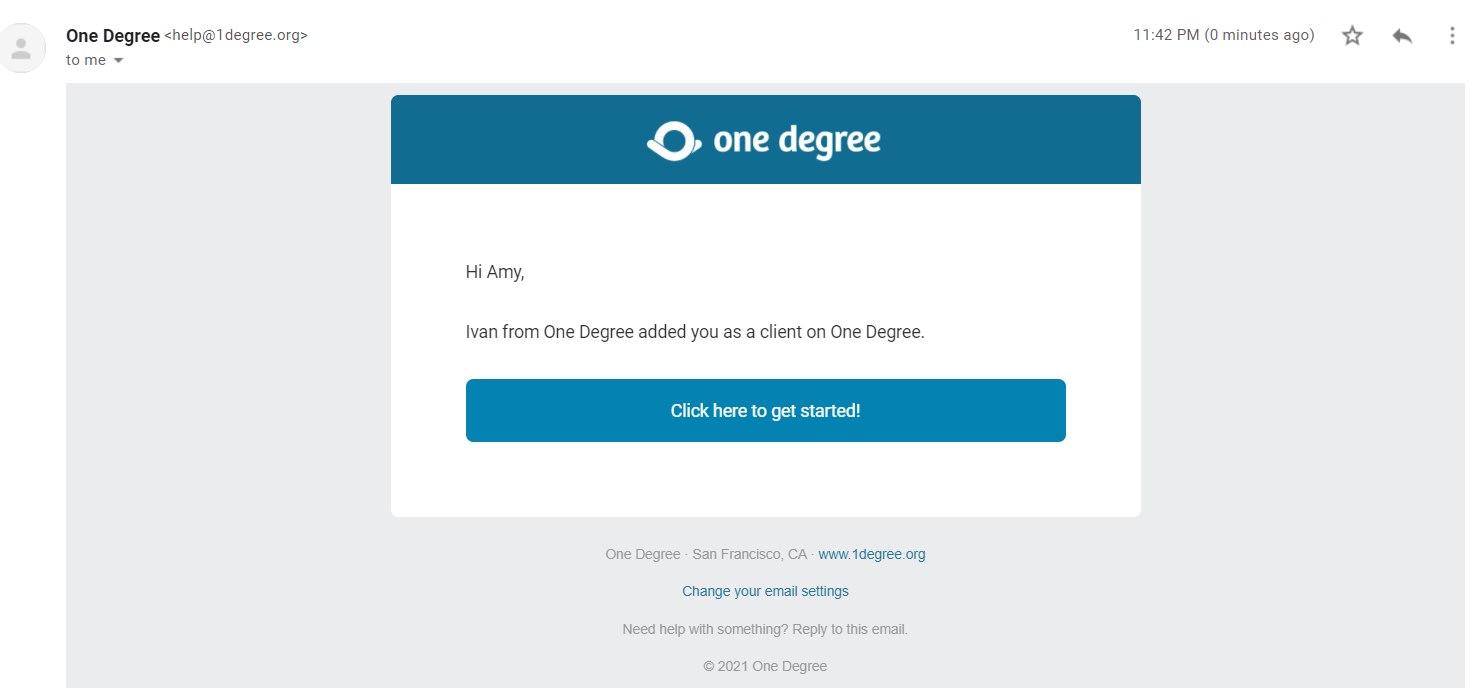
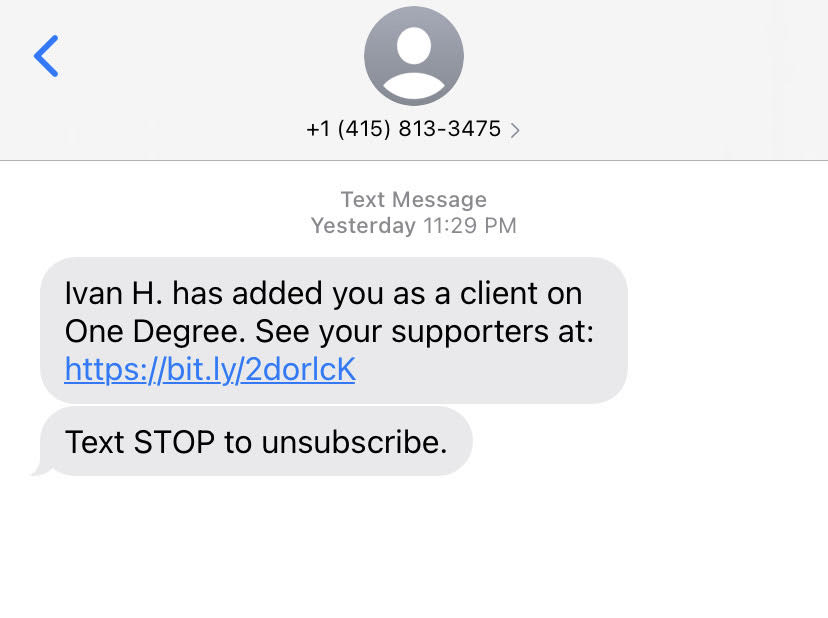
The second email/text (or first, if you have added the client before) that the client will receive is an invitation to open the referral.
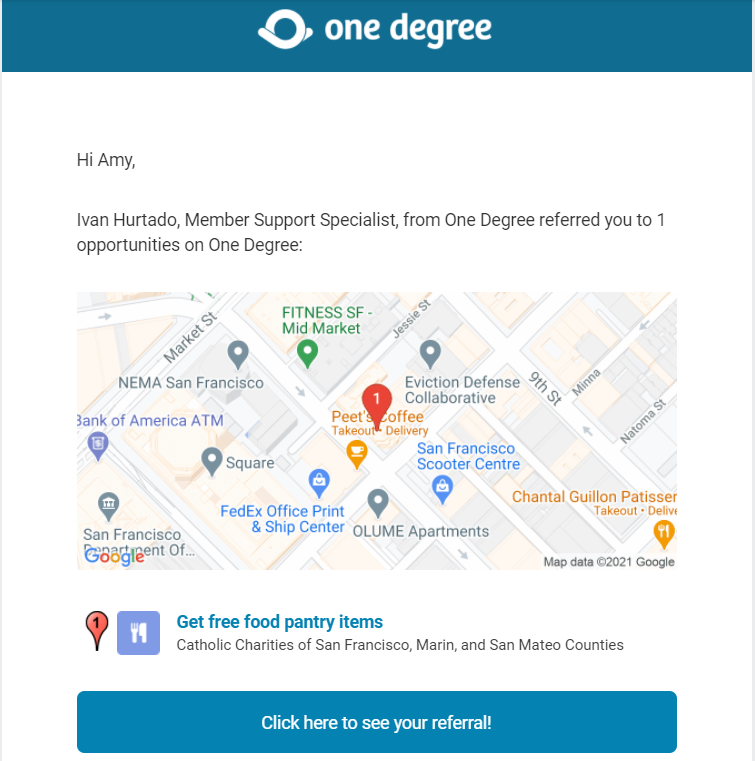
If the client clicks on the “Click here to see your referral!” button or if they click anywhere on the map image, they will be directed to their My Plan page on One Degree.
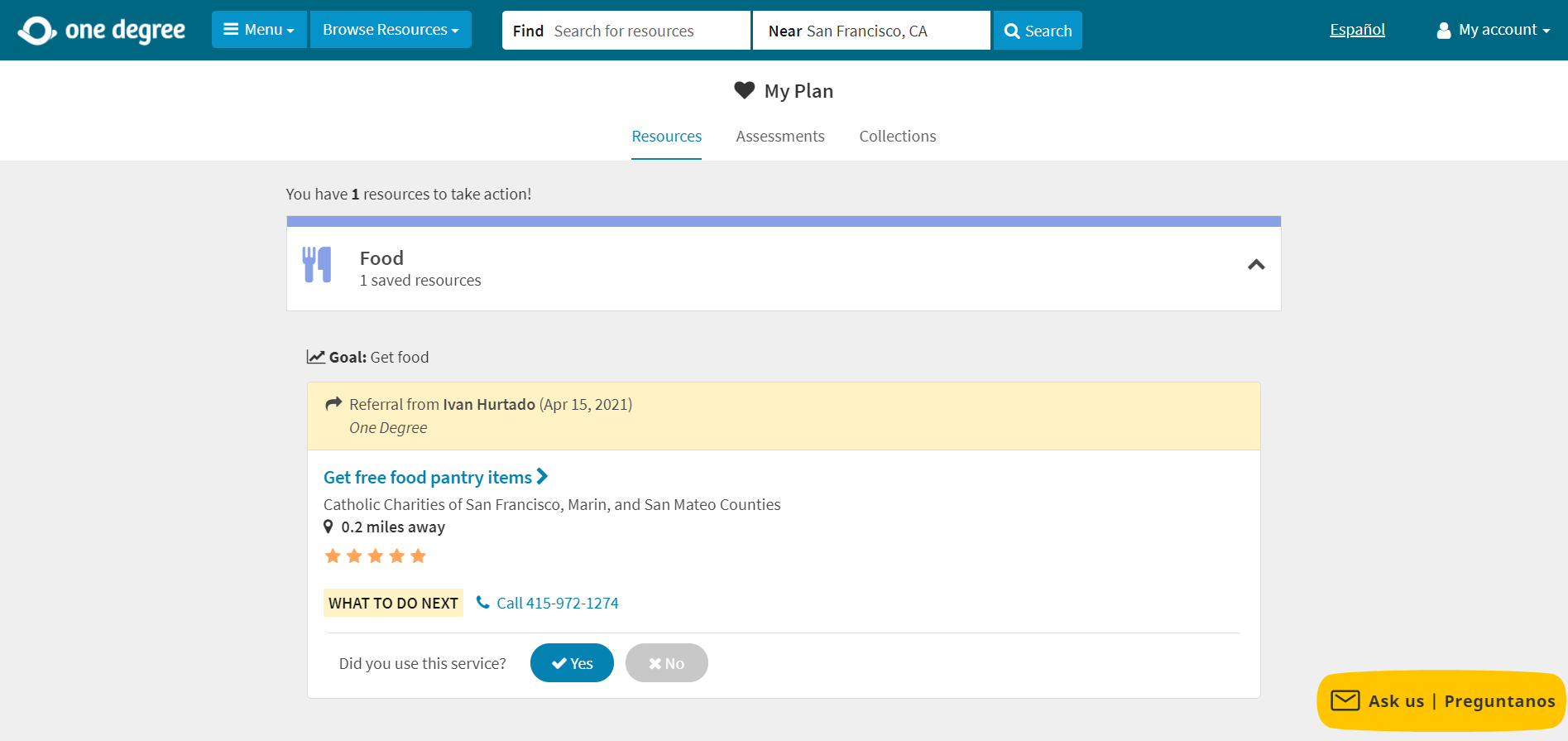
The opportunity that you referred them to will pop up with a yellow message that includes your name, the day you sent the referral, and any notes you may have added to the referral message.
If they are not already logged in, they will be asked to log into their account again.
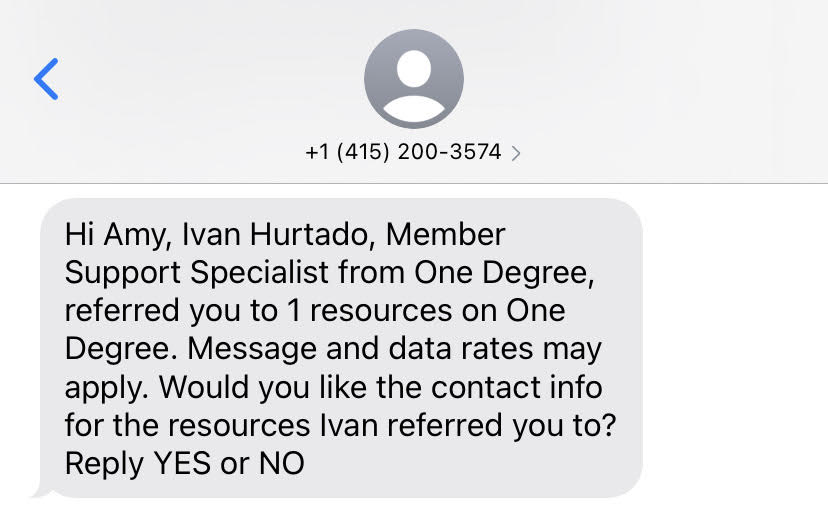
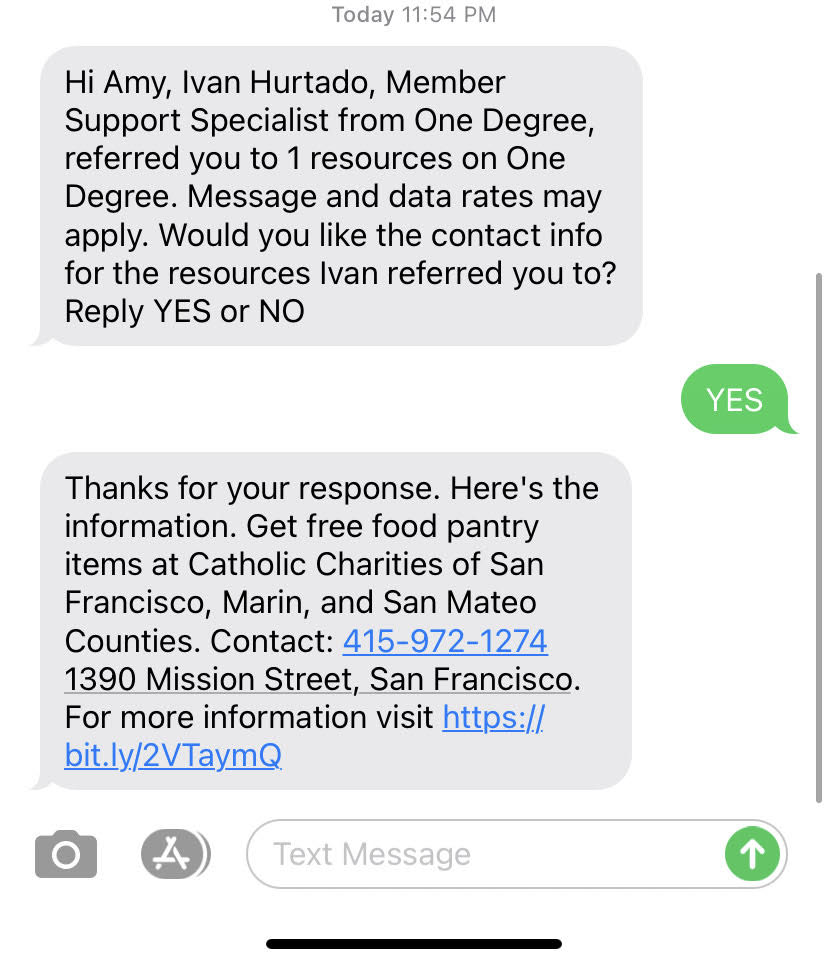
The initial text will ask the client if they want to receive the link to the resource referral.
If they text back “Yes,” the resource referral link, along with the opportunity contact information and address will be sent.
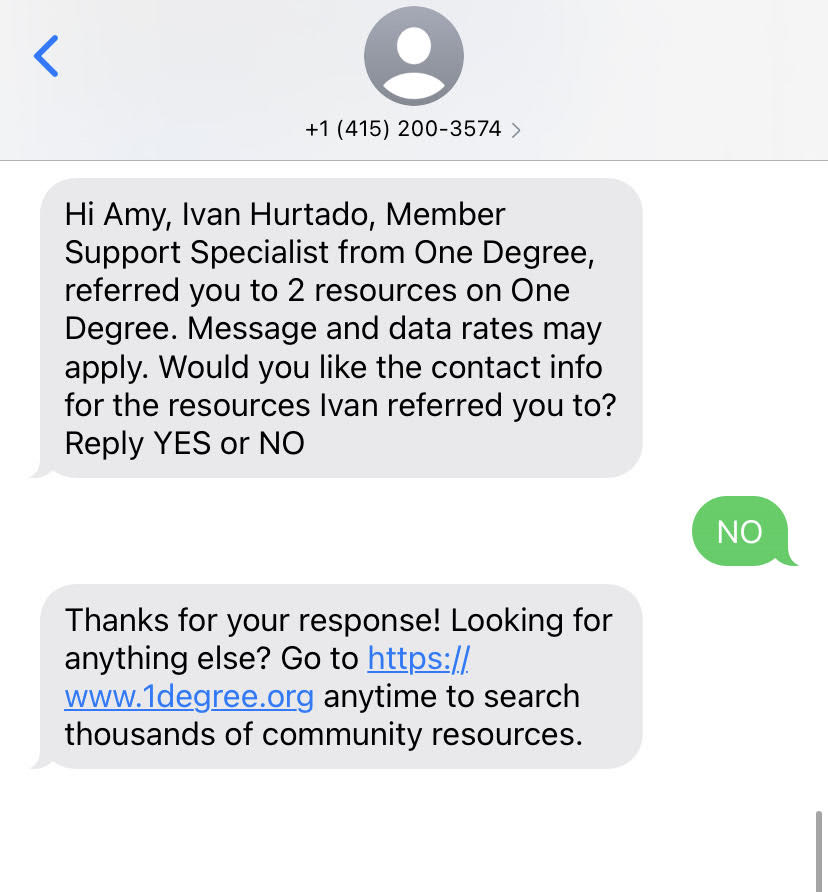
If the client texts back “No”, they will not be provided with referral information. They will be sent the text seen below
P.S. Check out the Learning Hub to see how to get the most out of using One Degree and the tools that we offer. You can find training videos, FAQs and other great resources!